
IP Cameras & Network Design
PoE planning, bandwidth, & VLAN best practices in Houston, Texas
Secure, Reliable, Retrievable.
Professional IP camera systems begin with the right camera hardware and conclude with a network design that ensures reliable, secure, and retrievable footage when needed.
Guardian Safe & Lock sells, installs, repairs, & services commercial- and business-grade surveillance systems across the Greater Houston area — including Houston proper, Katy, The Woodlands, Sugar Land, Pearland, Tomball, Cypress, and surrounding suburbs — and we design camera networks that work with your IT policies and operations goals.
Call us at: 832-534-8687. Or, text us (including photographs) at 832-493-5888 to learn more.
Camera Systems We Sell & Support
-

-
-


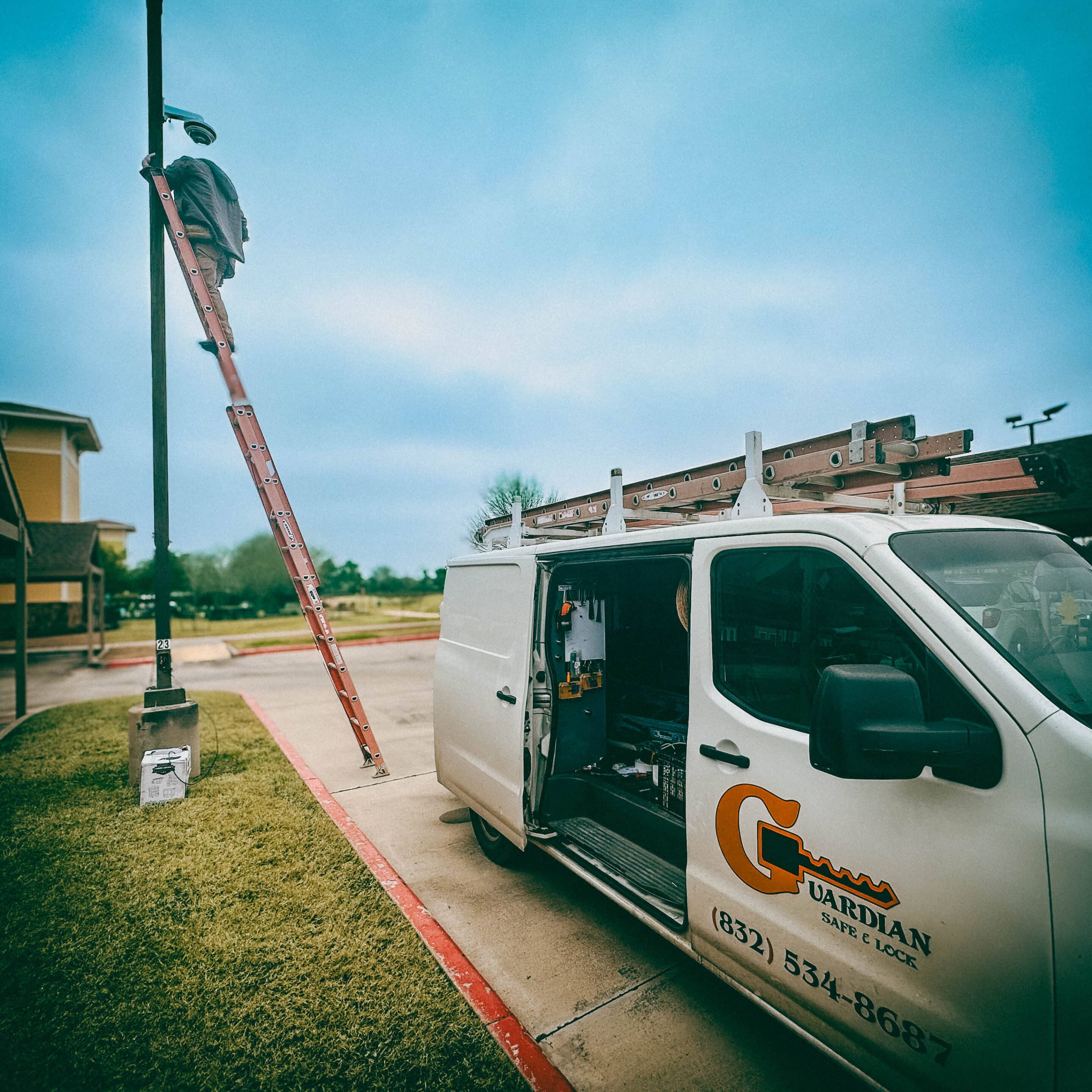
We design with the right product for the job — whether that’s edge recording to an NVR at a single facility, centralized cloud recording for a multi-site enterprise, or a local NVR with offsite cloud retention for redundancy.
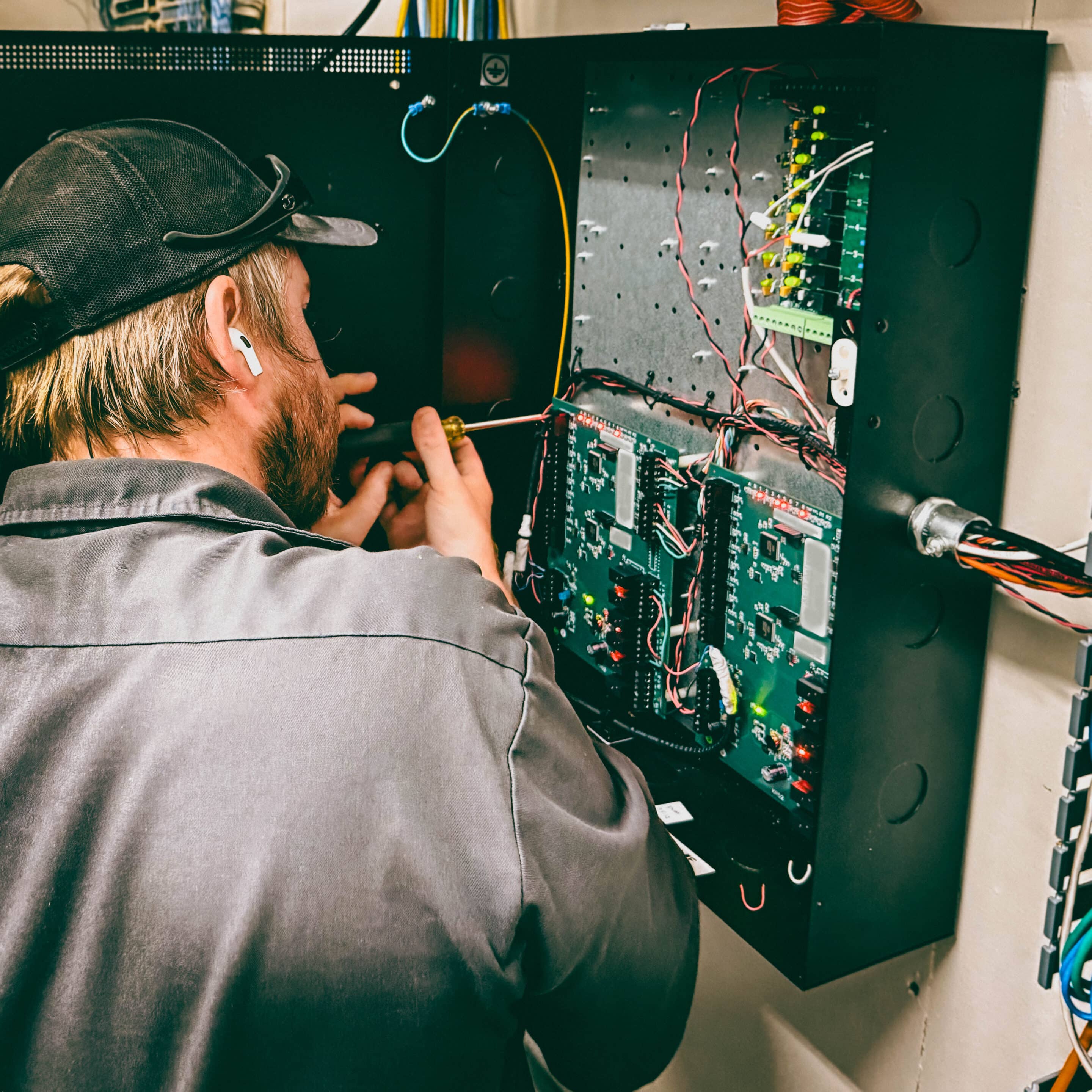
Power over Ethernet (PoE) — Planning & Budget
PoE remains the simplest way to power IP cameras and keep installs clean.
Standards matter: 802.3af (PoE) supplies up to ~15.4W per port (≈12.95W at the device), 802.3at (PoE+) up to ~30W (≈25.5W at the device), and 802.3bt (PoE++ / Type 3/4) supports much higher device power for camera heaters, advanced IR, PTZ motors, and advanced edge processing.
We use these numbers as the basis for your PoE switch selection and budget math.
Practical Steps:
-
Calculate each camera’s maximum draw (manufacturer datasheet) and add headroom for peak draws.
-
Sum the powered device (PD) wattage to compare against the switch’s total PoE budget (PSE). Use an online PoE calculator or vendor tool to include cable length and loss.
-
For some business sites, we prefer managed PoE+ or PoE++ switches with per-port monitoring and power scheduling to prevent overloads and to support future upgrades.

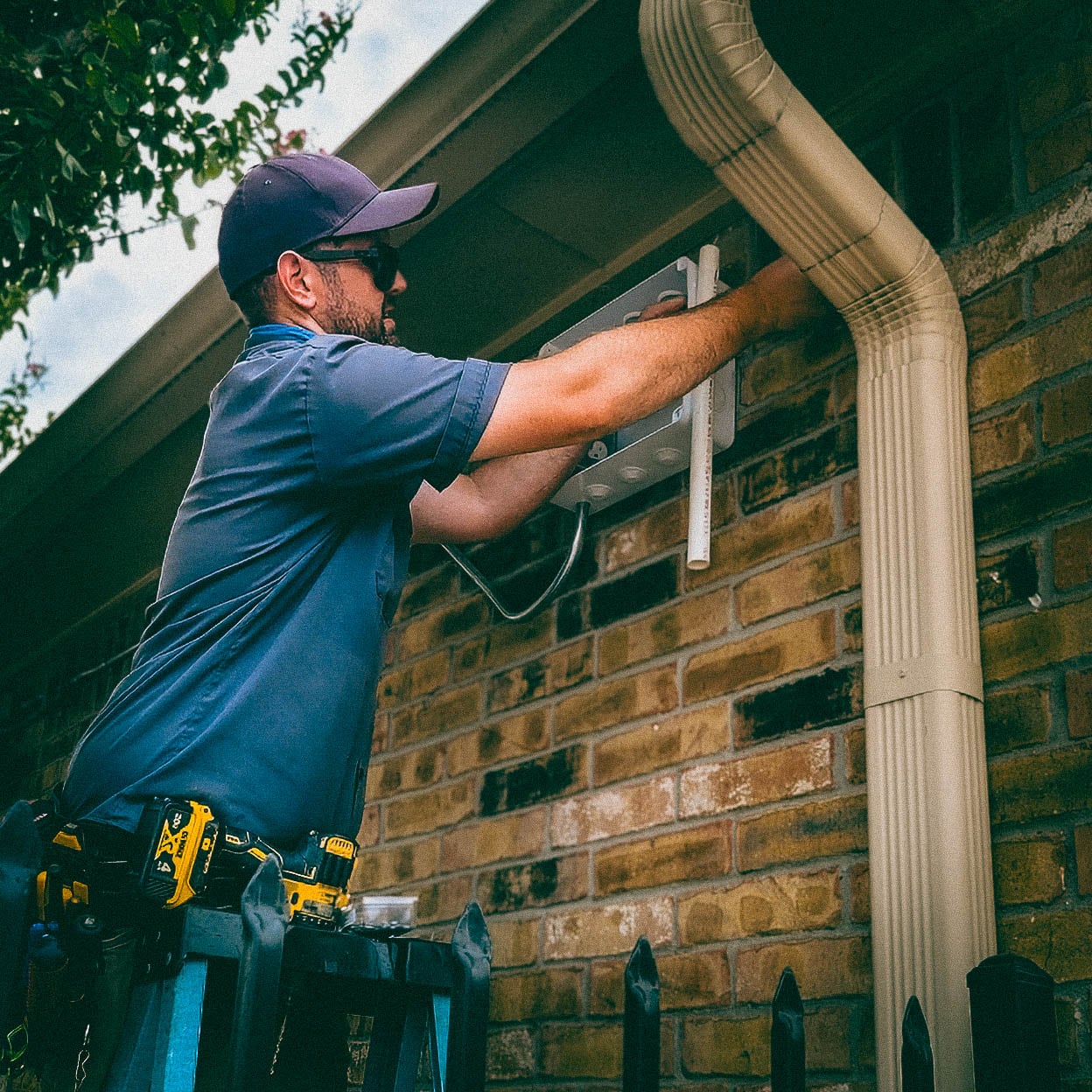
Bandwidth & Storage — How To Size Networks Correctly
Video bandwidth planning prevents surprise congestion. Encoding (H.264, H.265), resolution, frame rate, scene complexity, and retention policy all affect throughput and disk requirements.
Typical practical estimates (for planning only) are in these ranges: 720p ≈ 1–2 Mbps, 1080p ≈ 2–4 Mbps, 4K ≈ 8–15 Mbps for main high-quality streams using modern H.265 codecs — actual numbers vary by camera, settings, and motion in the scene. We use these as starting points with a project-level calculator for final sizing.
Recommendations:
-
Define retention (days of storage) and retention tiers (archive vs quick-access). Use NVR storage calculators (or JVSG / CCTV calculator tools) to convert cameras × bitrate × retention → TB required.
-
Consider dual-streaming: a high-resolution main stream for recording and a lower-resolution substream for remote viewing to reduce WAN upload needs. If cloud recording is used, confirm upload capacity per site versus the VMS provider’s recommended per-camera upload budgets. Eagle Eye and similar cloud VMS vendors publish guidance for per-camera upload.
Network Design: VLANs, Segmentation & Resilience
Cameras are IP devices; treat them as production systems that need segmentation and availability guarantees. Best practice is to place cameras on a segmented VLAN (or an isolated IP range) and design access controls so recording servers or cloud gateways have the only necessary routes.
Segmentation prevents camera traffic from interfering with user LAN performance and reduces the attack surface for critical systems.
Key items we implement on most enterprise installations:
-
We work with your team to provide dedicated camera VLAN(s) and ACLs restricting traffic to NVRs, cloud gateways, and authorized monitoring stations.
-
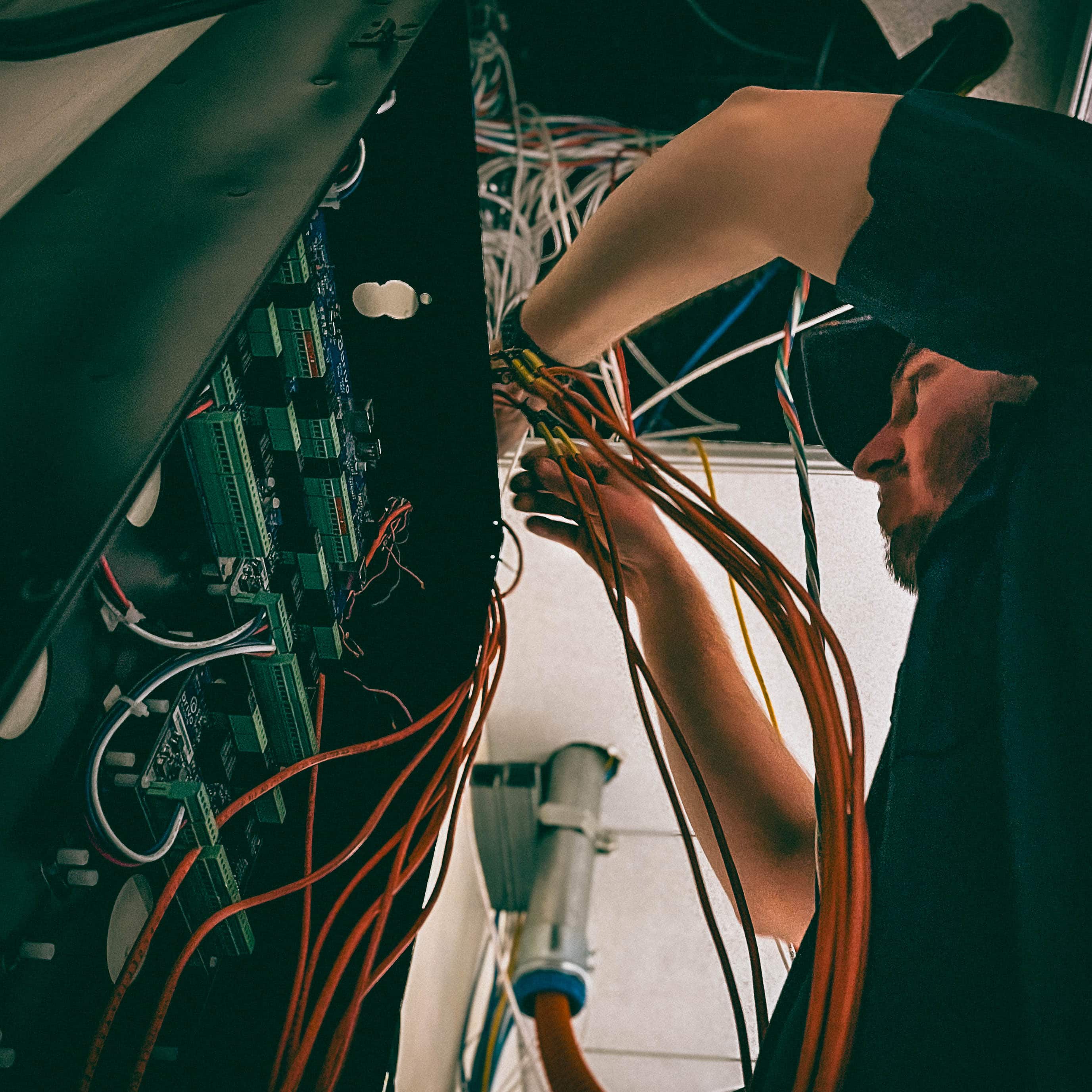
Managed PoE switches with link aggregation and uplink redundancy for critical camera clusters.
-
QoS rules for uplinks where remote monitoring or cloud upload must coexist with business data over limited WAN pipes.
-
Time synchronization (NTP) and centralized logging for forensic integrity.
Our Practical PoE Camera Network Checklist For IT/Facilities
-
Inventory — list camera models, recording device (including storage capacity), max power draw, & resolution.
-
PoE budgeting — pick switches with a total PSE budget exceeding projected peak draw by 20–30%. Use calculators that include cable loss.
-
VLAN & firewall rules — cameras on separate VLAN(s); NVR or cloud gateway on a controlled route.
-
Bandwidth test — verify the site’s uplink can sustain aggregate camera upload if using cloud recording. Adjust retention/main-stream settings if needed.
-
Redundancy & monitoring — redundant uplinks, UPS for recording appliances, SNMP/monitoring on switches for port-level alerts.
Surveillance Options Offered By Guardian Safe & Lock


Cloud vs. Standalone Recording — Our Approach
We support both cloud-first solutions (Eagle Eye Networks — centralized cloud VMS and recording) and standalone recording with local NVR/DVR units and optional cloud backup for redundancy (Hikvision and other vendors support cloud-storage integration).
We will size the network and recommend either pure cloud recording, standalone NVR with offsite archive, or local recording with scheduled cloud snapshots, depending on your bandwidth, compliance, and retention requirements, before performing commercial camera installation.

IP Camera Installation & Service In Greater Houston
Guardian Safe & Lock provides full-service deployment and lifecycle support across the Greater Houston Area, including:
-
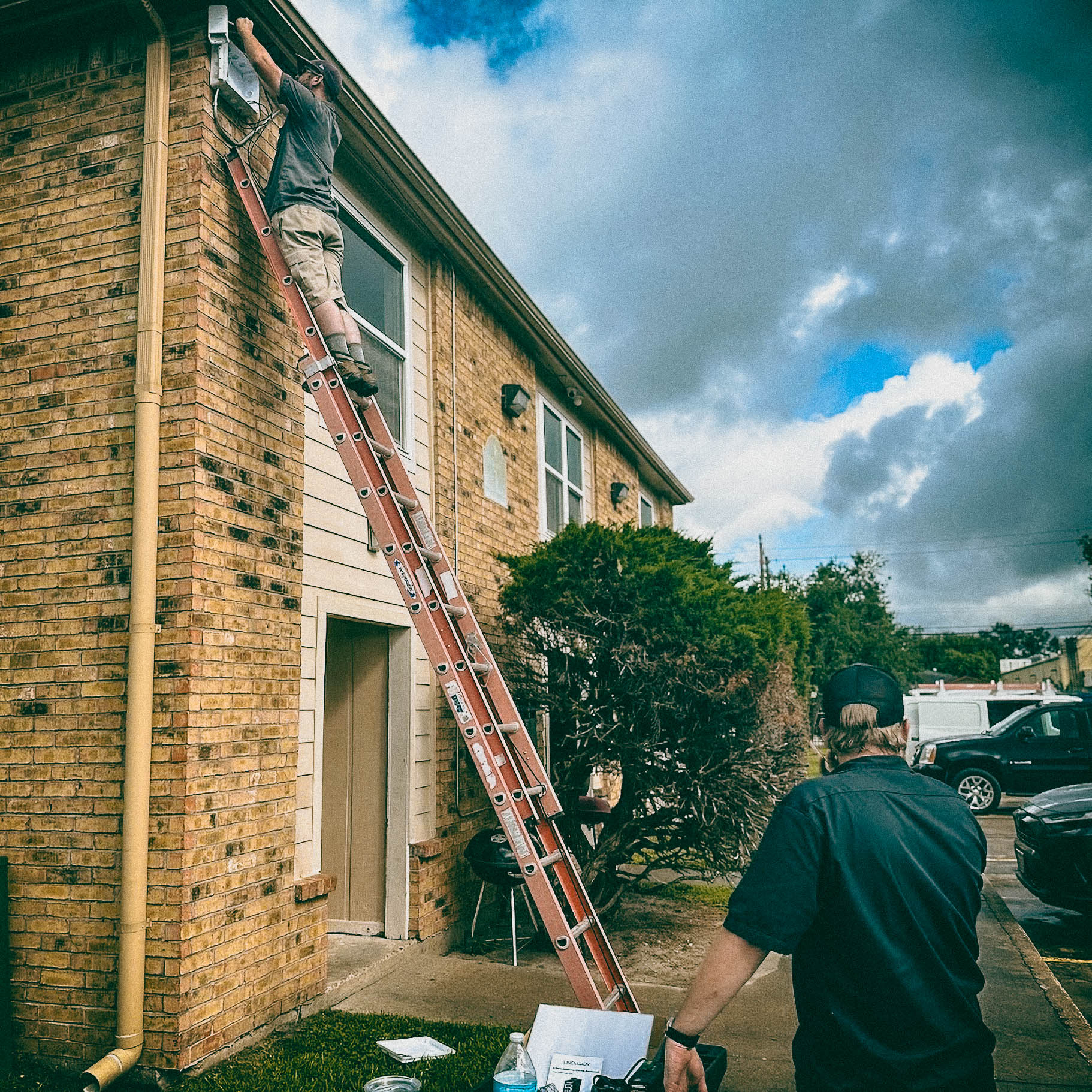
New installs for retail chains, office campuses, and property management portfolios across Houston and its suburbs.
-
Upgrades & migrations — moving legacy analog or low-resolution networks to IP with PoE switch and VLAN redesign. [Add line discussing wifi point-to-point bounce vs trenching]
-
Service & Camera repair — on-site troubleshooting, camera realignment, firmware updates, NVR maintenance, and tape-to-cloud migrations.
We regularly work in Houston, Katy, The Woodlands, Sugar Land, Pearland, Tomball, and Cypress, coordinating with site IT teams to schedule low-impact installs (overnight or off-hours) and provide written network diagrams, port lists, and device inventories at handover.
Why This Matters For Business Operations
A professionally designed IP camera network reduces downtime, lowers operational cost, and ensures recorded evidence is reliable and searchable.
Thoughtful PoE budgeting, bandwidth planning, VLAN segmentation, and proper cloud/standalone choices prevent the common pitfalls—overloaded switches, saturated WAN links, and unusable footage at the moment it matters most.
Our IP Camera Installation & Service Area
Based in Tomball, we serve the Greater Houston area, including (but not limited to) the surrounding suburbs:
Tomball • Bryan • College Station • Conroe • Cypress • Humble • Katy • Kingwood • Magnolia • Pasadena • Porter • Spring • Sugar Land • The Woodlands • & more!
If you are outside these areas, we may still be able to service you: Call 832-534-8687 to confirm availability.
Cloud VMS or local NVR — which is right for my business?
The right choice depends on your operational needs, network environment, and security objectives.
-
Cloud VMS is ideal for businesses that want remote access from anywhere, simplified maintenance, and predictable monthly costs. It reduces on-site hardware requirements and is well-suited for multi-location operations or businesses with limited IT resources, provided reliable internet bandwidth is available.
-
Local NVR systems are better for organizations that require full control over video data, higher frame rates, or continuous recording without reliance on internet connectivity. They typically offer lower long-term costs and are preferred where data privacy, local storage, or limited bandwidth are concerns.
At Guardian Safe & Lock, we evaluate your network capacity, retention requirements, and security priorities to recommend and deploy the solution that best fits your business.
What PoE standard do I need for cameras (802.3af / at / bt)?
The required PoE standard depends on the camera’s power draw and feature set.
-
802.3af (PoE) is sufficient for basic fixed cameras without heaters, IR illuminators, or PTZ functions.
-
802.3at (PoE+) is recommended for most modern IP cameras, including models with infrared illumination, varifocal lenses, or moderate onboard analytics.
-
802.3bt (PoE++ / 4PPoE) is required for high-power devices such as PTZ cameras, multi-sensor cameras, cameras with heaters or blowers, and advanced edge-processing features.
Guardian Safe & Lock designs camera networks to manufacturer specifications, ensuring switches, cabling, and power budgets are properly matched for reliable operation and future expansion.
How much bandwidth will each camera use (planning numbers)?
Bandwidth consumption depends on camera resolution, frame rate, compression, and scene activity. For planning purposes, Guardian Safe & Lock typically uses the following conservative estimates per camera when properly configured with modern compression (H.265/H.265+):
-
1080p (2MP): 1.5–3 Mbps per camera
-
4MP: 3–6 Mbps per camera
-
5MP: 4–8 Mbps per camera
-
4K (8MP): 8–16 Mbps per camera
These figures assume 15–20 FPS, standard image quality settings, and continuous recording.
Motion-based recording, scene optimization, and advanced compression can significantly reduce real-world bandwidth usage.
During system design, Guardian Safe & Lock evaluates available network capacity, switch backplanes, uplinks, and storage requirements to ensure reliable performance without impacting business-critical traffic.
Can my existing network support cameras or will I need upgrades?
Short answer: Maybe — it depends on aggregated PoE and bandwidth. Most smaller systems (16 cameras or fewer) aren't usually an issue.
Some key checks for your IT: switch PoE budget, uplink capacity (Gbps vs 10 Gbps), uplink utilization during peak camera upload, VLAN segmentation, and QoS.
If the uplink or switch cannot carry the aggregated camera bitrate or PoE budget, plan for upgraded uplinks, additional PoE switches, or dedicated camera aggregation switches.
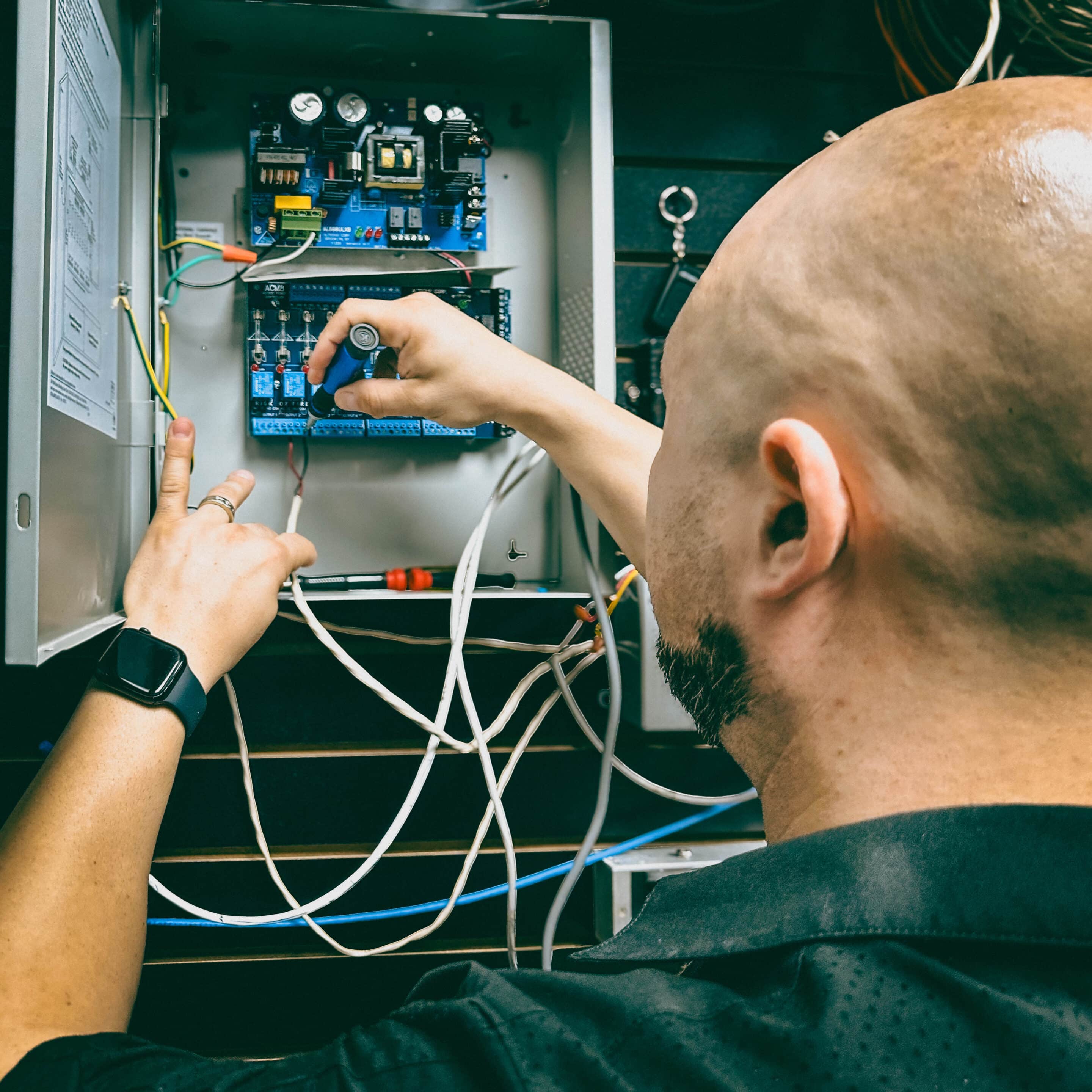
We perform a network readiness audit (port list, PoE budget, uplink test) before recommending changes.
What are the basic security steps I should require on every install?
There are a few basic changes to make to any IP camera network more secure:
- Change the default credentials.
- Enable strong, unique passwords (or certificate/AD integration where supported).
- Place cameras on segmented VLANs.
- Disable unused services (UPnP/Telnet).
- Keep firmware current.
- Restrict remote access via VPN or vendor cloud gateways (avoid direct port-forwarding).
Follow national IoT/security guidance (CISA/ONVIF) for procurement and lifecycle patching.
Which camera brands do you recommend and why?
Hikvision
Recommended for robust performance and an extensive model range. Hikvision cameras offer high-resolution imaging, advanced analytics (such as motion detection, license plate recognition (LPR) cameras, and object classification), and reliable low-light performance. Suitable for both commercial and large-scale deployments.
Eagle Eye Networks
Recommended for cloud-first architectures and scalable systems. Eagle Eye provides reliable remote management, encrypted data transport, and flexible subscription options. Ideal for distributed sites and operations that prioritize cloud storage and mobile access.
Alibi
Recommended for cost-effective, reliable IP camera solutions. Alibi cameras balance performance with affordability, offering solid video quality, PoE support, and straightforward integration with common VMS platforms. Well-suited for small to medium business applications.
Ubiquiti
Recommended for ease of deployment and network-centric design. Ubiquiti cameras integrate seamlessly with Unifi ecosystem controllers, simplifying network and camera management. Best suited for installations where unified network and security device management is a priority.
More Locksmith & Security Services We Offer
- Commercial Locksmith Services (Including commercial lock installation, commercial key duplication, master key systems, panic bars, door closers, & restricted keyways)
- Intercom Systems (Audio & Video)
- Access Control system installation (including automatic door openers, card access & mobile credentials, commercial buzz-in systems, commercial keypad locks, electric strikes, magnetic locks, and other forms of electronic door hardware.
- Audio & Video Intercom Systems (Audio & Video)
- Emergency locksmith services
- Residential locksmith services
- Car locksmith services (Including key programming)
- Houston Safes & Houston Gun Safes (including sales & services)
Next Steps — Get A Fast, Professional Quote
Guardian Safe & Lock provides on-site surveys, PoE and bandwidth calculations, and full design documentation for business installations. We’ll deliver a network-level diagram, PoE budget, per-camera bitrate and storage plan, and an implementation schedule that minimizes business disruption.
Contact our commercial team to schedule a consultation or site survey at:
-
Call: 832-534-8687 (click to call on mobile)
- Text: 832-493-5888 (Tap to text, including images)
We’ll tailor hardware recommendations (Alibi, Eagle Eye Networks, Hikvision), switch and VLAN design, and a deployment approach aligned with your organization’s operational needs and location in the Greater Houston area.