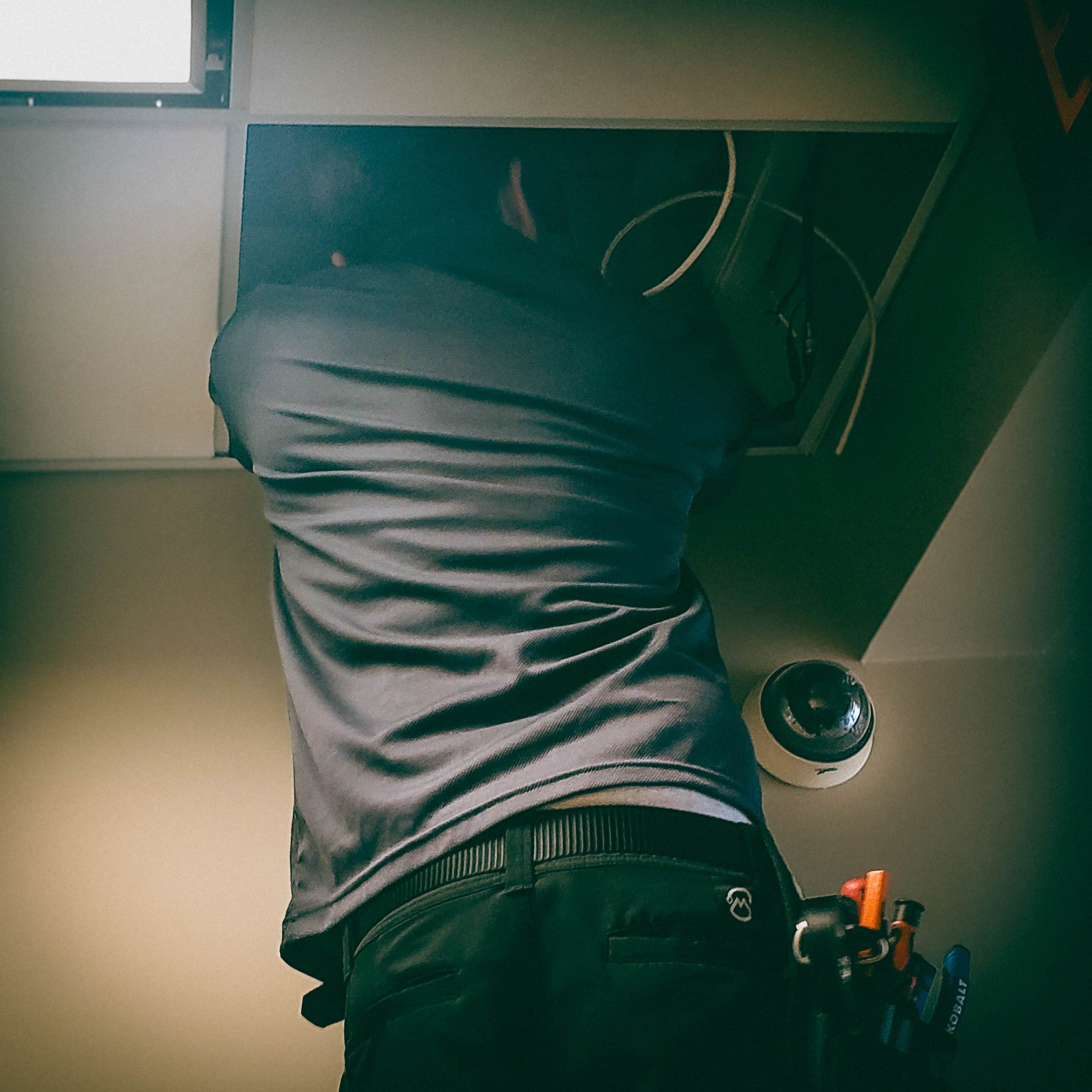
DVR/NVR On-Premise Recording & Retention
Offline & Standalone Surveillance Systems For Houston Businesses
Professionalism, Integrity, Precision.
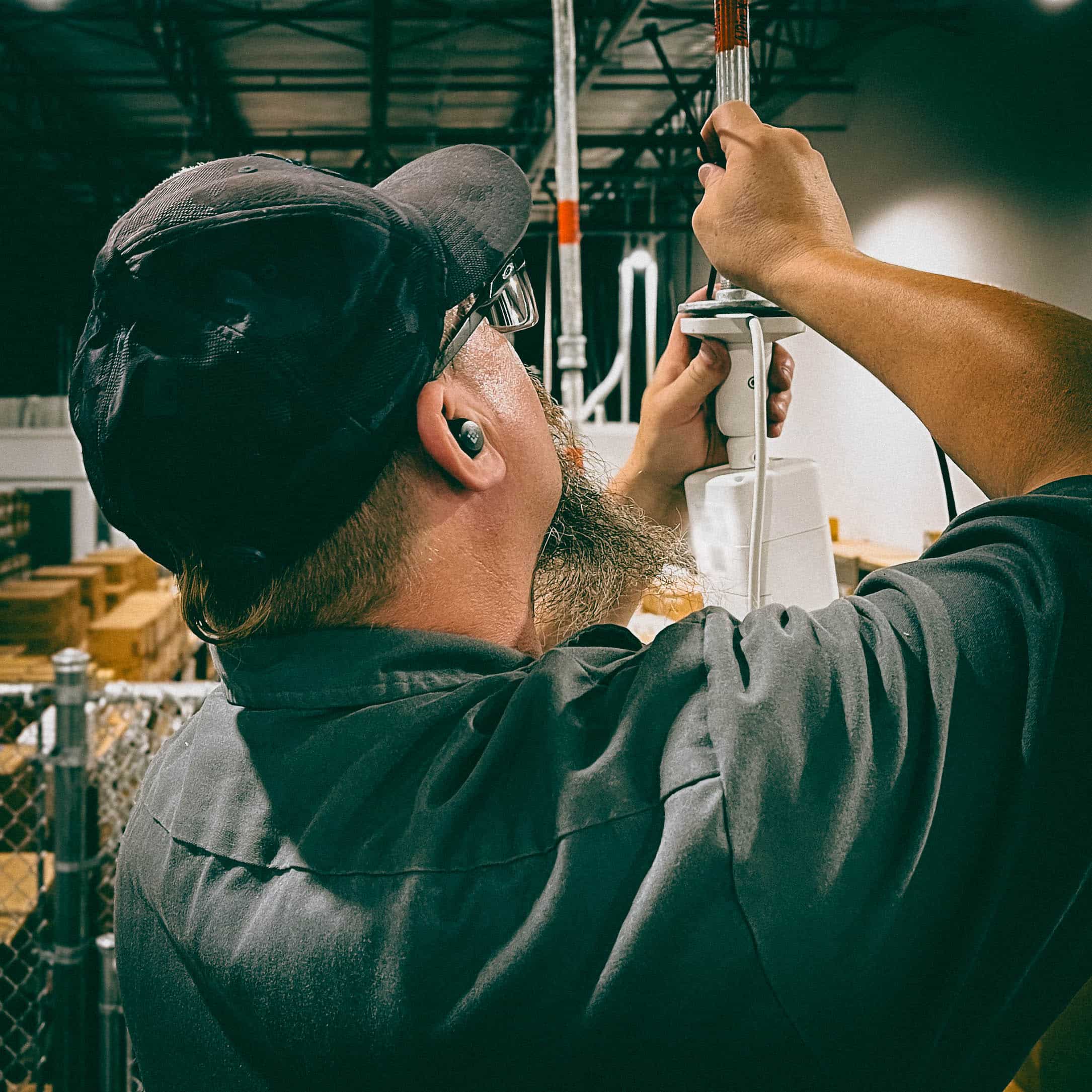
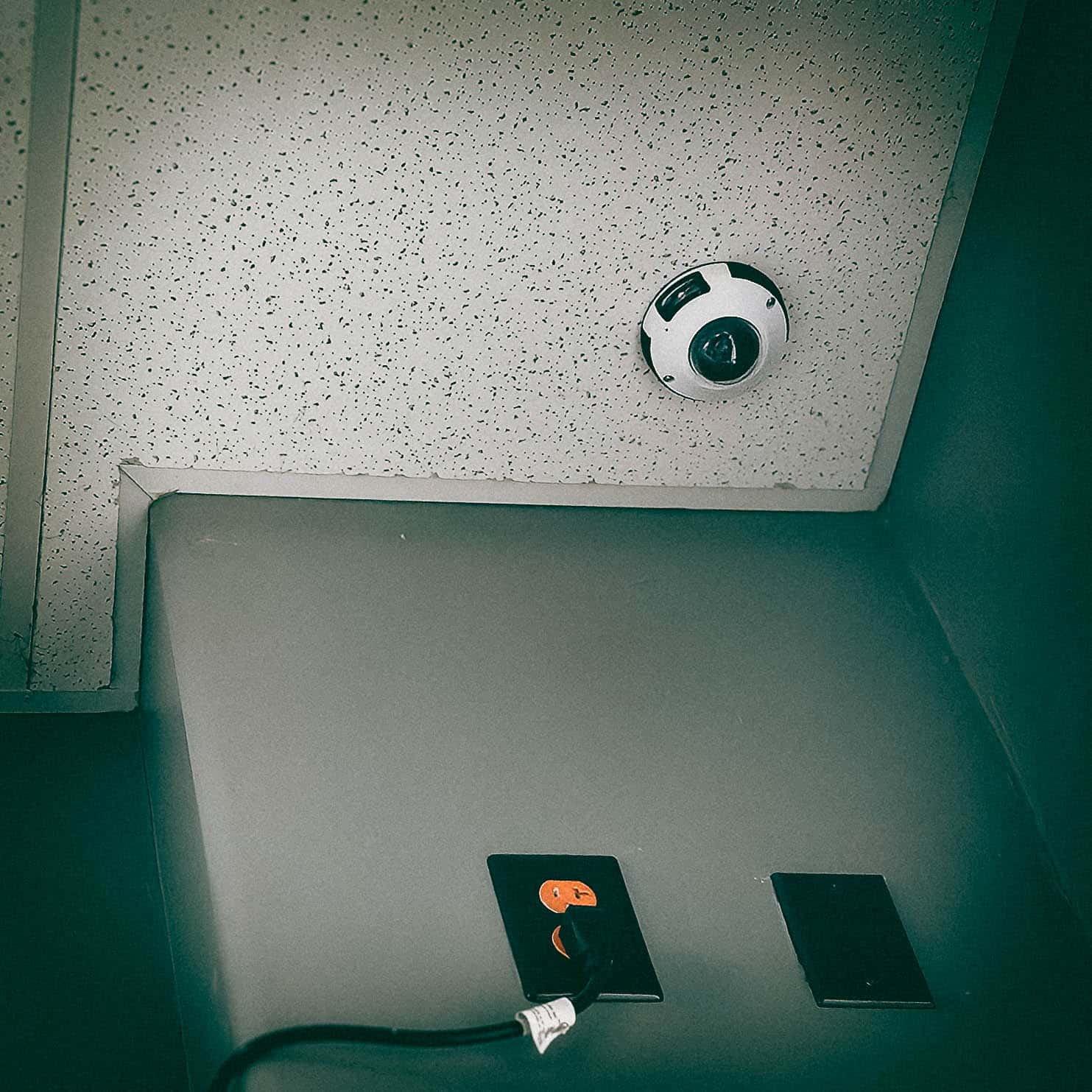
Guardian Safe & Lock designs, installs, repairs, and services on-premise DVR and NVR recording systems and retention workflows for businesses across Greater Houston.
We work with leading camera lines — Alibi, Eagle Eye Networks (cloud-capable cameras), and Hikvision — providing standalone DVR/NVR deployments or NVR systems integrated with cloud replication where required.
Below you’ll find practical guidance on recording types, storage sizing, retention planning, evidence export, recommended retention windows for businesses, and how we deliver these services across Houston and surrounding suburbs.
Call us at: 832-534-8687. Or, text us (including photographs) at 832-493-5888 to learn more.
Camera Platforms We Integrate
We service and install CCTV systems built around the following manufacturers and ecosystems:
-

-
-


For many businesses, we will pair best-fit cameras with an on-site NVR or DVR and, where desired, configure secure cloud replication for long-term retention or centralized monitoring.
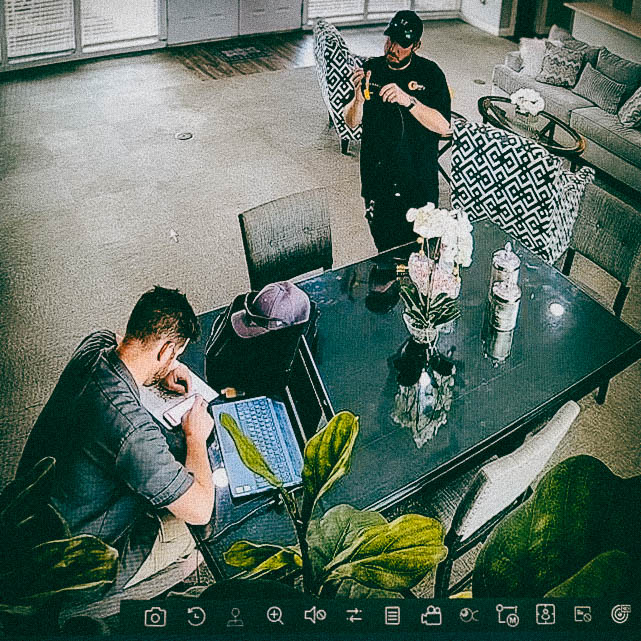
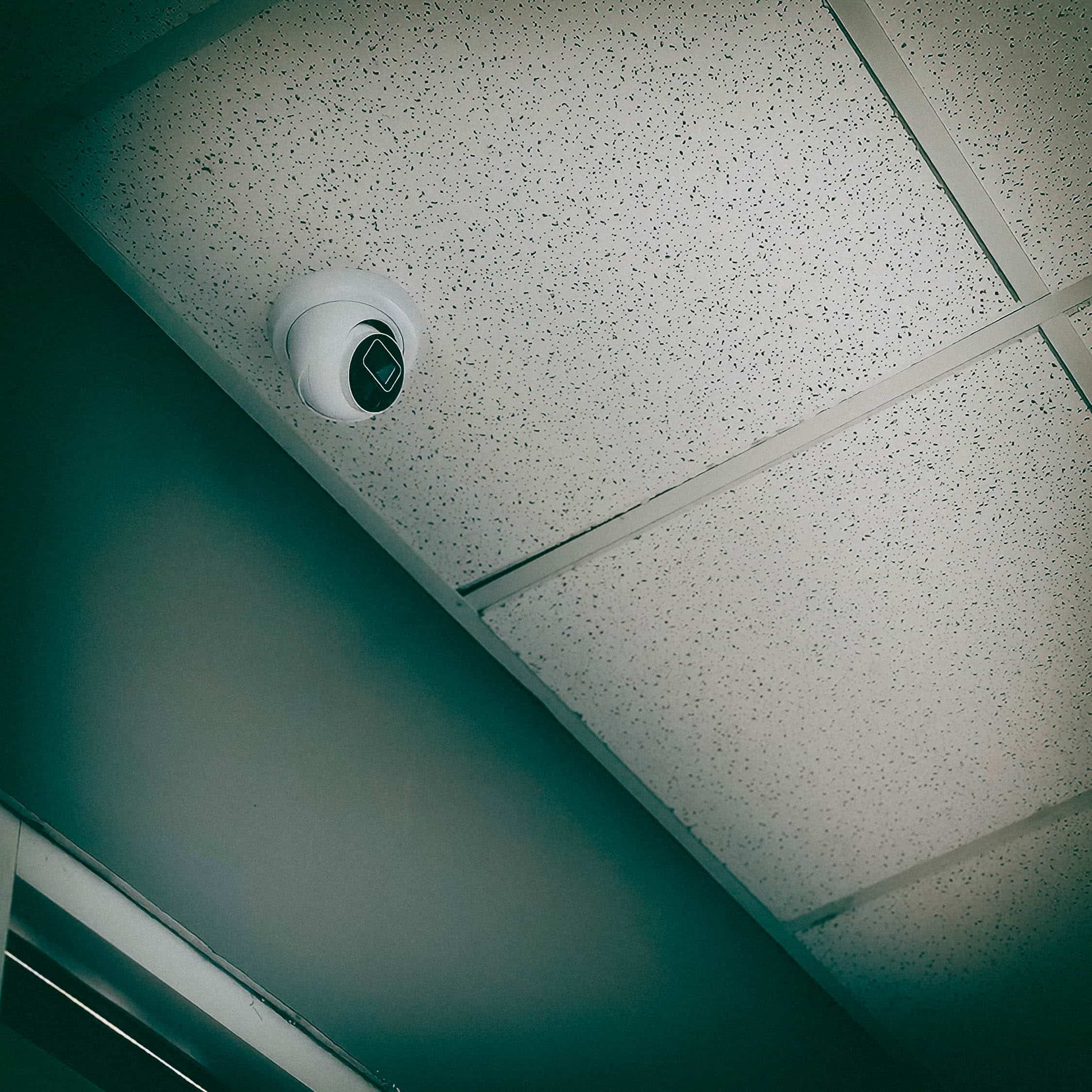
Recording Options: DVR vs NVR (On-Premise Fundamentals)
DVR systems generally record from analog cameras to a proprietary digital video recorder, while NVR systems record IP camera streams to a network video recorder and commonly support higher resolutions, more advanced codecs, and analytics on the camera side.
Choosing between DVR and NVR depends on camera type, desired features, and network architecture.
Guardian Safe & Lock supports:
-
Standalone DVRs for legacy analog installations and value deployments.
-
On-premise NVRs for IP camera arrays (including Alibi and Hikvision IP cameras).
-
NVR installations with cloud replication options (for sites that want a local copy plus off-site backup or cloud VMS management, such as Eagle Eye). We never substitute local recording best practices — local recording plus verified replication provides redundancy without sacrificing on-site access speed.
Storage Sizing: How We Plan Retention Capacity
Storage requirements depend on: number of cameras, resolution, frames-per-second (FPS), scene complexity (motion vs static), compression (H.264/H.265), recording mode (continuous vs motion-only), and the desired retention window (days).
We use industry calculators and vendor tools to model capacity precisely before quoting hardware. We validate these conservative estimates against on-site tests.
For example, a single 1080p camera at 15 FPS using H.265 in mostly static conditions may require ~35–60 GB per 24 hours; multiply by camera count and retention days to size the RAID-backed NVR storage and recommended hot-spare policies.
We always present a clear bill-of-materials: HDD TBs (enterprise surveillance drives), RAID level, hot spares, and recommended retention headroom.
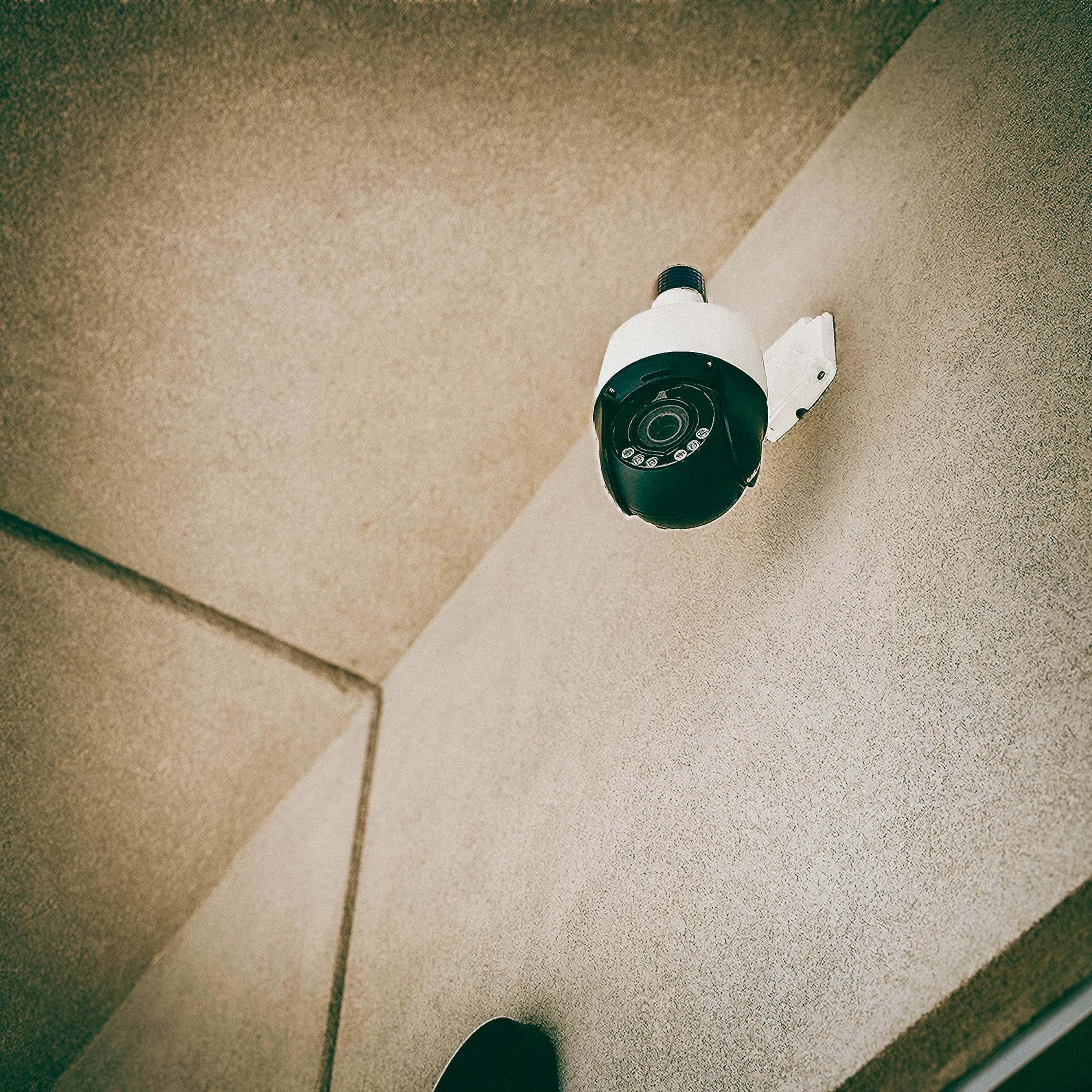
Retention Planning & Recommended Retention Windows
There’s no single “correct” retention period — it must match business risk, industry requirements, and available budget for storage and backups. Common, defensible policies we implement for customers in Houston are:
-
Low-risk sites (offices, small professional suites): 30–60 days of continuous recording.
-
Retail/hospitality/property management: 60–90 days — these businesses often need longer windows for liability and investigations.
-
High-risk or regulated environments (e.g., finance, critical infrastructure): 90–365+ days, as per policy or regulatory requirements.
Texas currently has no statewide statute that prescribes a single retention limit for private CCTV recordings; businesses should implement documented retention policies and consult counsel for industry-specific rules. We recommend default retention windows, but always map retention to your insurance, legal obligations, and internal incident response protocols.
Backup, Replication & Evidence Preservation
Best practice is to maintain a local primary copy on a RAID-protected NVR and a separate off-site copy for disaster resilience or evidentiary preservation. Cloud replication (e.g., Eagle Eye Cloud replication) or scheduled off-site backups of exported video preserve footage if the recorder is damaged or stolen.
When footage may become evidence, chain-of-custody and proper export procedures are critical. We reccomend accepted practices for acquisition and export (use native exports where possible, maintain metadata, log exporter and timestamp, and keep hash checks when applicable) in line with forensic guidance. These steps help preserve admissibility and integrity.
Surveillance Options Offered By Guardian Safe & Lock


Exporting Workflows For Investigations & Law Enforcement
Most standard evidence workflows include:
-
Immediate preservation of the NVR image (disk-level clone preferred).
-
Native export of the incident timeframe using the recorder’s or VMS’s vetted export tool (not just a screen re-capture).
-
Hashing and logging of export metadata (export operator, date/time, device, file format).
-
Provision of secure, transportable media or secure cloud transfer to investigators.
This process ensures clear, uncorrupted footage with every evidentiary export.
Operational Recommendations (Retention, Access Control, & System Health)
-
Motion-based or event tagging can reduce storage needs while maintaining coverage for incidents.
-
Regular system health checks: We recommend quarterly NVR health checks and disk-failover tests.
-
Retention audits: Confirm retention matches policy and compliance needs every 6–12 months.
-
Permissioned access & logs: Limit export capability to authorized personnel and maintain an access log.
Service Area & Local Installs
Based in Tomball, we serve the Greater Houston area, including (but not limited to) the surrounding suburbs:
Tomball • Bryan • College Station • Conroe • Cypress • Humble • Katy • Kingwood • Magnolia • Pasadena • Porter • Spring • Sugar Land • The Woodlands • & more!
If you are outside these areas, we may still be able to service you: Call 832-534-8687 to confirm availability.
How We Work On Your Site
-
Site survey — we assess camera placement, lighting, network infrastructure, and retention needs.
-
Design — specify camera models (Alibi, Hikvision or Eagle Eye-compatible), NVR sizing, and any cloud replication.
-
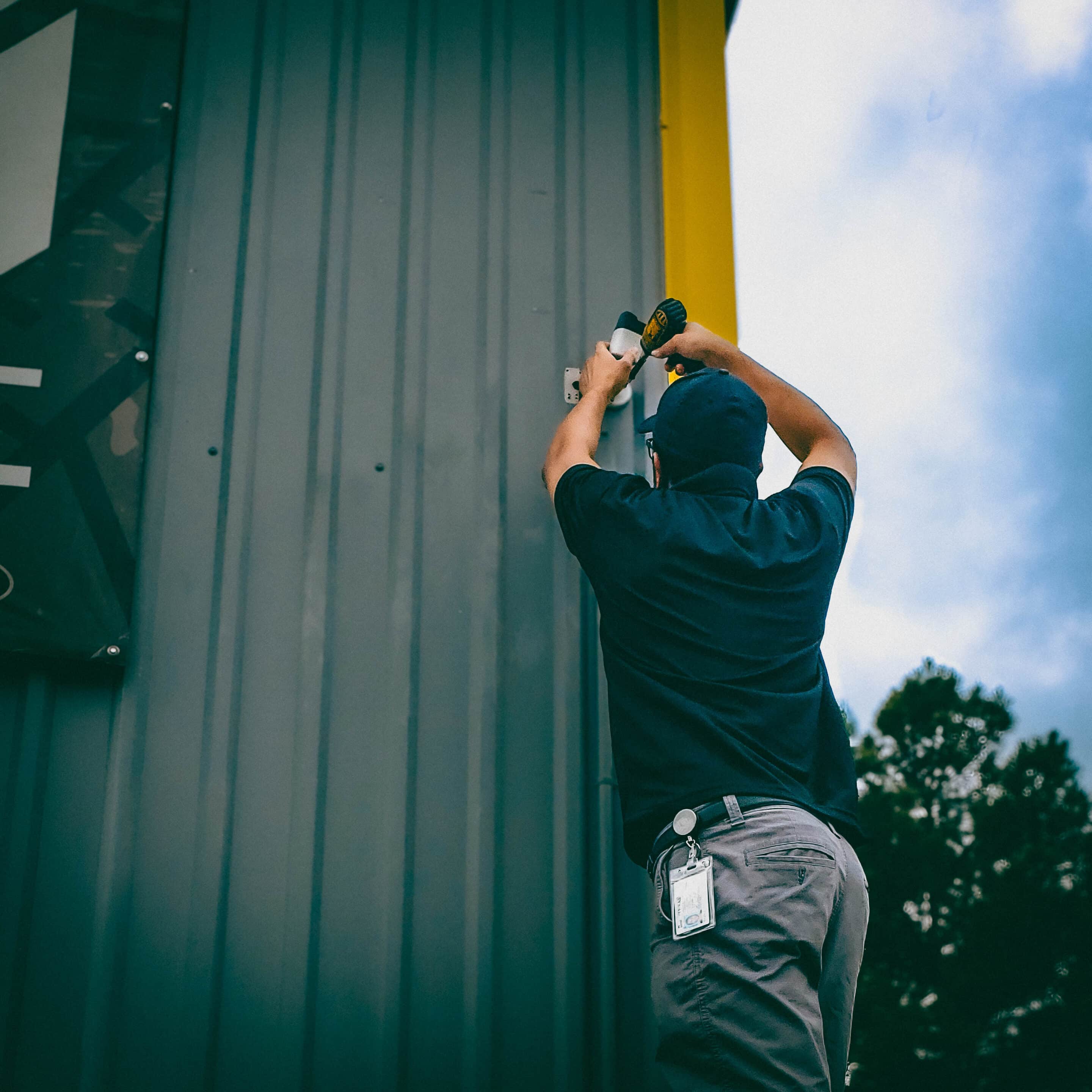
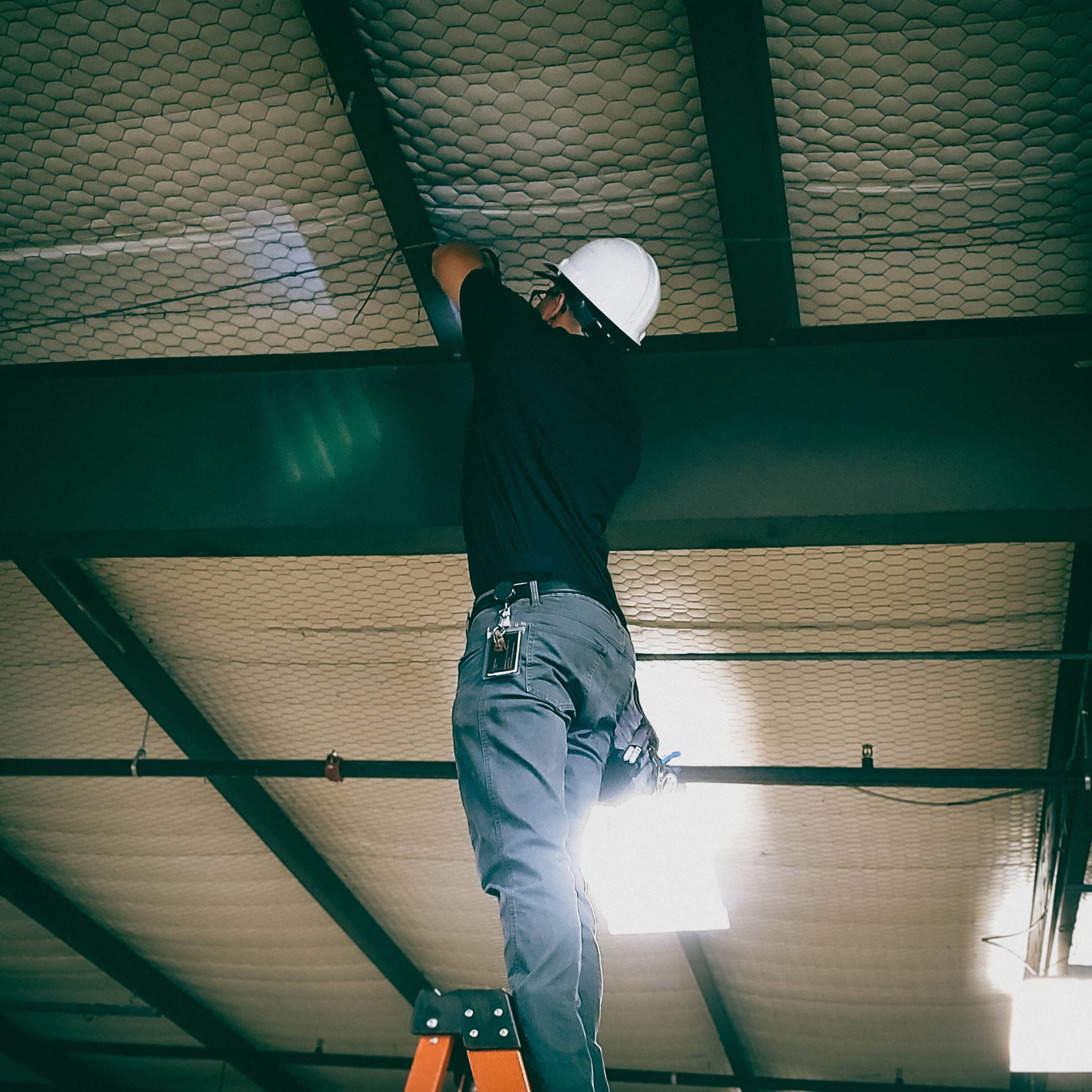
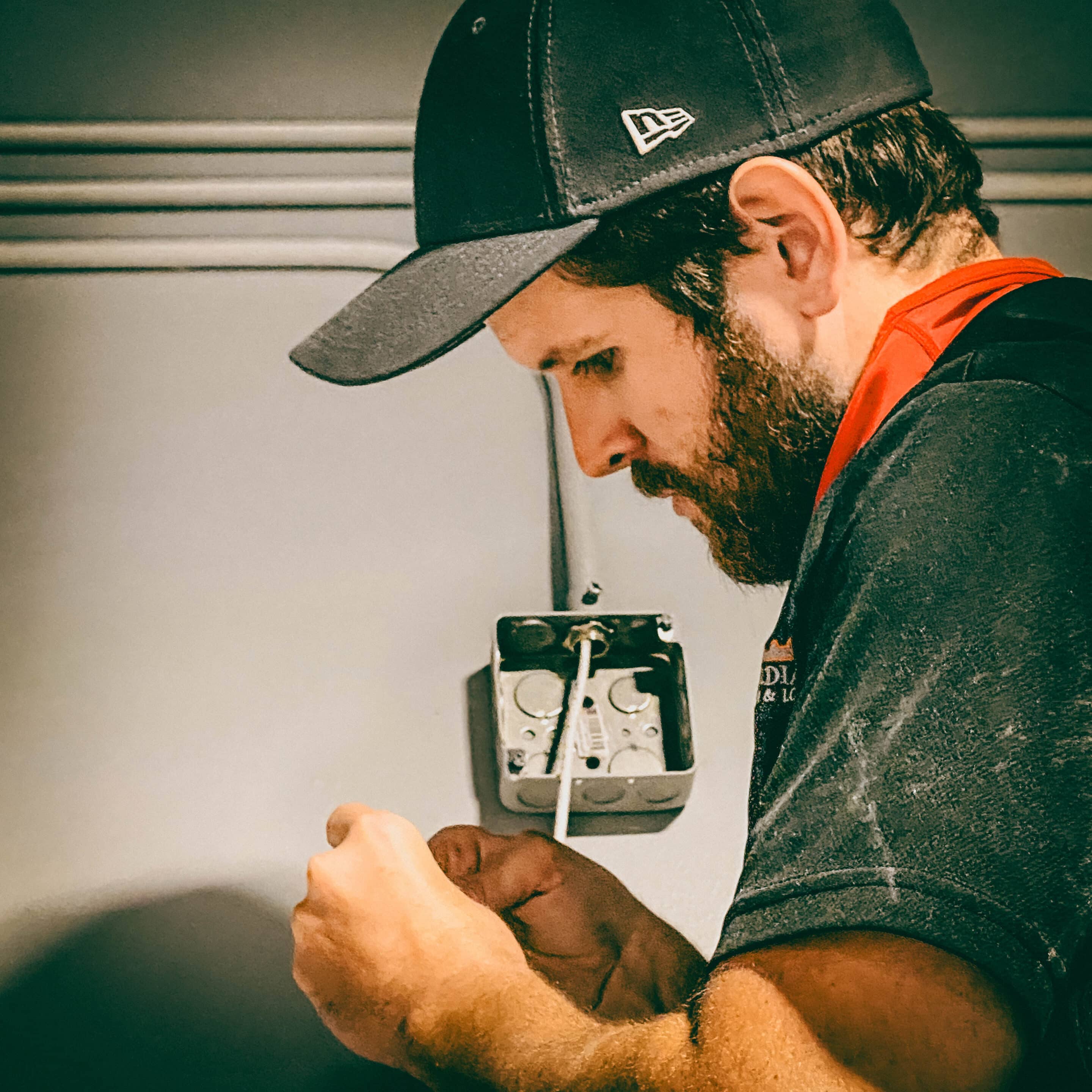
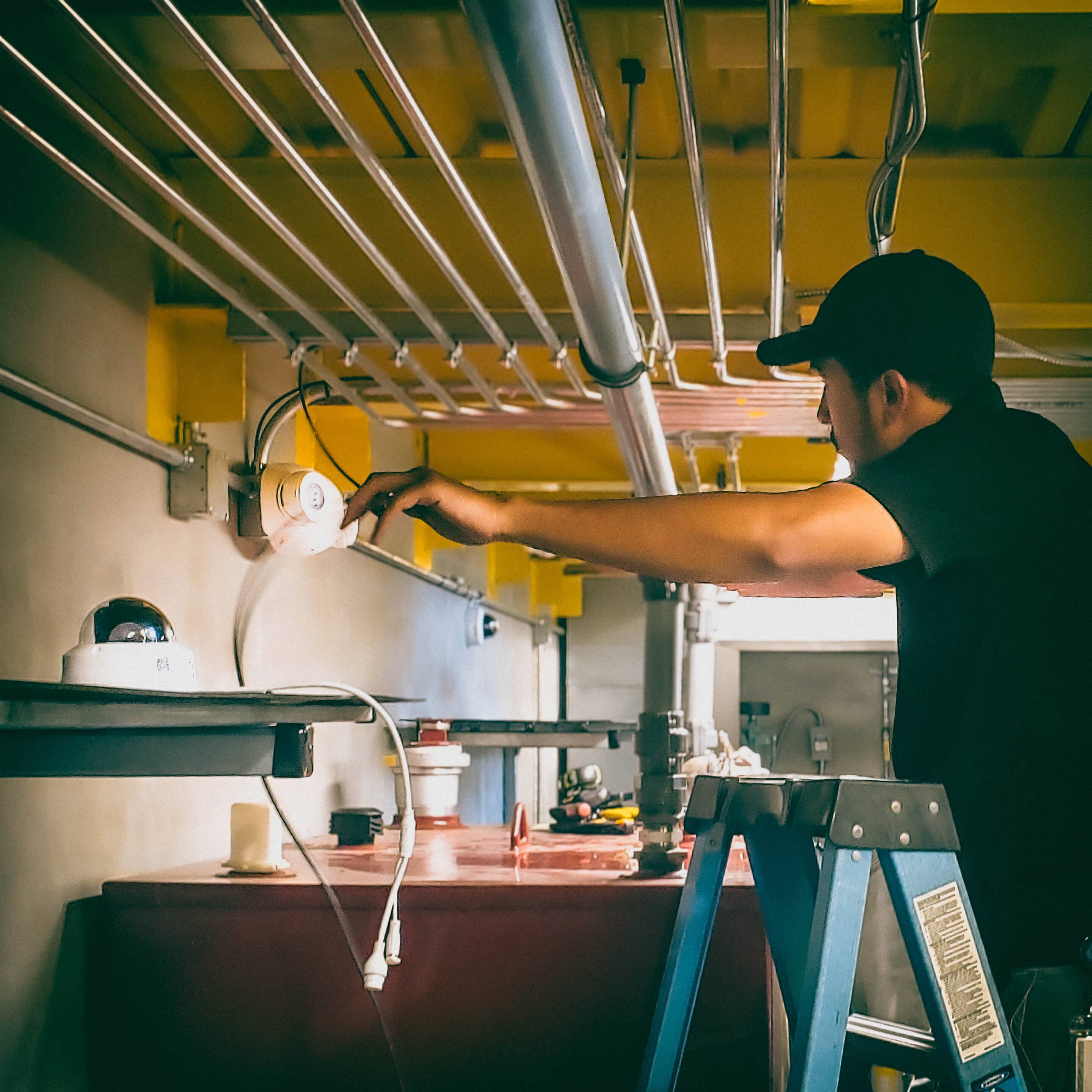
Install & configure — cables, mounts, PoE/NVR setup, time sync, motion zones, and export tests.
-
Documentation & training — we deliver an operations sheet, retention policy write-up, and staff training for exports.
What’s the difference between a DVR and an NVR, and which is right for my site?
A DVR records analog camera signals to a local digital video recorder, while an NVR records IP camera streams over a network to a network video recorder.
NVRs generally support higher resolutions, more flexible networking, and modern codecs — they’re the default for new IP camera installations.
For legacy analog cameras, we still install and service DVRs. For new or IP-based systems (such as Alibi, Hikvision IP cameras, and camera arrays), we recommend NVRs for future scalability and improved image quality.
How do you determine how much storage (TB) I’ll need for X cameras and Y days of retention?
Storage sizing is a function of camera count, resolution, frames-per-second (FPS), codec (H.264/H.265), recording mode (continuous vs motion), scene complexity, and retention days.
We model every proposal using industry-calculated tools and vendor-specific tools, and then validate the results with on-site or simulated recordings to ensure the quoted RAID/NVR capacity meets your retention target.
Using those calculators lets us produce a conservative bill-of-materials (HDD TB, RAID level, hot spare) up front.
Which camera and recorder brands do you support and integrate?
We install and service Alibi cameras and NVRs, Hikvision cameras and NVR families (including specialized security camera options), and systems that integrate with cloud VMS providers such as Eagle Eye Networks.
We design each system so the recorder, drives, and camera models match your retention and analytics needs; we verify compatibility with vendor documentation during design and procurement.
Motion-recording vs continuous recording — which should I choose?
Motion (event) recording reduces storage and bandwidth by saving only activity, but it can miss events if motion zones or sensitivity aren’t tuned.
Continuous recording guarantees coverage but requires substantially more storage. Many customers use a mixed approach (continuous on critical cameras, motion on lower-risk views) and retain continuous data for a shorter window while keeping motion-triggered clips longer.
We recommend the mix based on site activity and evidence needs, and validate capacity with vendor calculators.
Does using H.265 (HEVC) materially reduce required storage?
Yes.
Using H.265 (HEVC) can materially reduce the required storage in commercial camera systems.
Compared to H.264, H.265 typically delivers equivalent video quality at approximately 30–50% lower bitrates. In practical terms, this means significantly less hard drive capacity is needed to retain the same resolution, frame rate, and retention period—particularly for higher-resolution cameras such as 4MP, 8MP, and above.
For offline commercial systems, this efficiency directly translates into longer retention times, lower storage costs, or the ability to deploy higher-resolution cameras without increasing recorder capacity. The actual savings depend on scene complexity, motion levels, and camera settings, but the reduction is meaningful in most business environments.
What should a business do if a key recording window contains critical evidence but the footage has already been overwritten?
If critical footage has already been overwritten, recovery is typically not possible on most offline commercial camera systems due to how video storage is designed to automatically reuse space.
The business should immediately preserve any remaining relevant footage, document the incident details, and contact law enforcement if required.
Guardian Safe & Lock can assess the system to confirm retention limits, advise on procedural safeguards, and recommend storage upgrades or policy changes to reduce the risk of future evidence loss.
More Locksmith & Security Services We Offer
- Commercial Locksmith Services (Including commercial lock installation, commercial key duplication, master key systems, panic bars, door closers, & restricted keyways)
- Intercom Systems (Audio & Video)
- Access Control system installation (including automatic door openers, card access & mobile credentials, commercial buzz-in systems, commercial keypad locks, electric strikes, surveillance camera integration, magnetic locks, and other forms of electronic door hardware.
- Audio & Video Intercom Systems (Audio & Video)
- Emergency locksmith services
- Residential locksmith services
- Car locksmith services (Including key programming)
- Houston Safes & Houston Gun Safes (including sales & services)
Ready To Start? — Get A Fast, Professional Quote
If you need a retention assessment, a quote for NVR installation, security camera repair, or a site survey in Greater Houston,
Contact our commercial security team at:
-
Call: 832-534-8687 (click to call on mobile)
- Text: 832-493-5888 (Tap to text, including images)
-
Email: [email protected]
Or, request an on-site evaluation. We’ll provide a tailored recommendation: DVR vs NVR, HDD sizing, retention tier, export-ready configuration, and a clear scope of work with pricing and timelines.