
Camera Repair, Replacement, & Troubleshooting
Surveillance Camera Replacement & Repair in Houston
Professional. Responsive. Reliable.
Guardian Safe & Lock provides professional surveillance camera sales, replacement, repair, and troubleshooting for businesses (primarily) and homes (secondarily) throughout the Greater Houston area and surrounding suburbs.
We service and maintain most surveillance systems, and design new or replacement security camera systems from leading vendors — including Alibi, Eagle Eye Networks, and Hikvision — working with both standalone NVR/DVR deployments and cloud-integrated camera solutions to keep your locations recording and secure.
Call us at: 832-534-8687. Or, text us (including photographs) at 832-493-5888 to learn more.
The Services We Deliver
Guardian Safe & Lock offers professional surveillance camera sales, replacement, repair, and troubleshooting services for businesses (primary) and homes (secondary) throughout the Greater Houston area and its surrounding suburbs.
We service, maintain, and perform camera installation for systems from leading vendors, including Alibi, Eagle Eye Networks, and Hikvision.
We work with both standalone NVR/DVR deployments and cloud-integrated camera solutions to keep your locations recording and secure.
- Emergency camera replacement and vandalism repair for retail, office, industrial, and property-management sites.
- Camera system troubleshooting and diagnostics: live-stream failure, intermittent recording, image degradation, and playback errors.
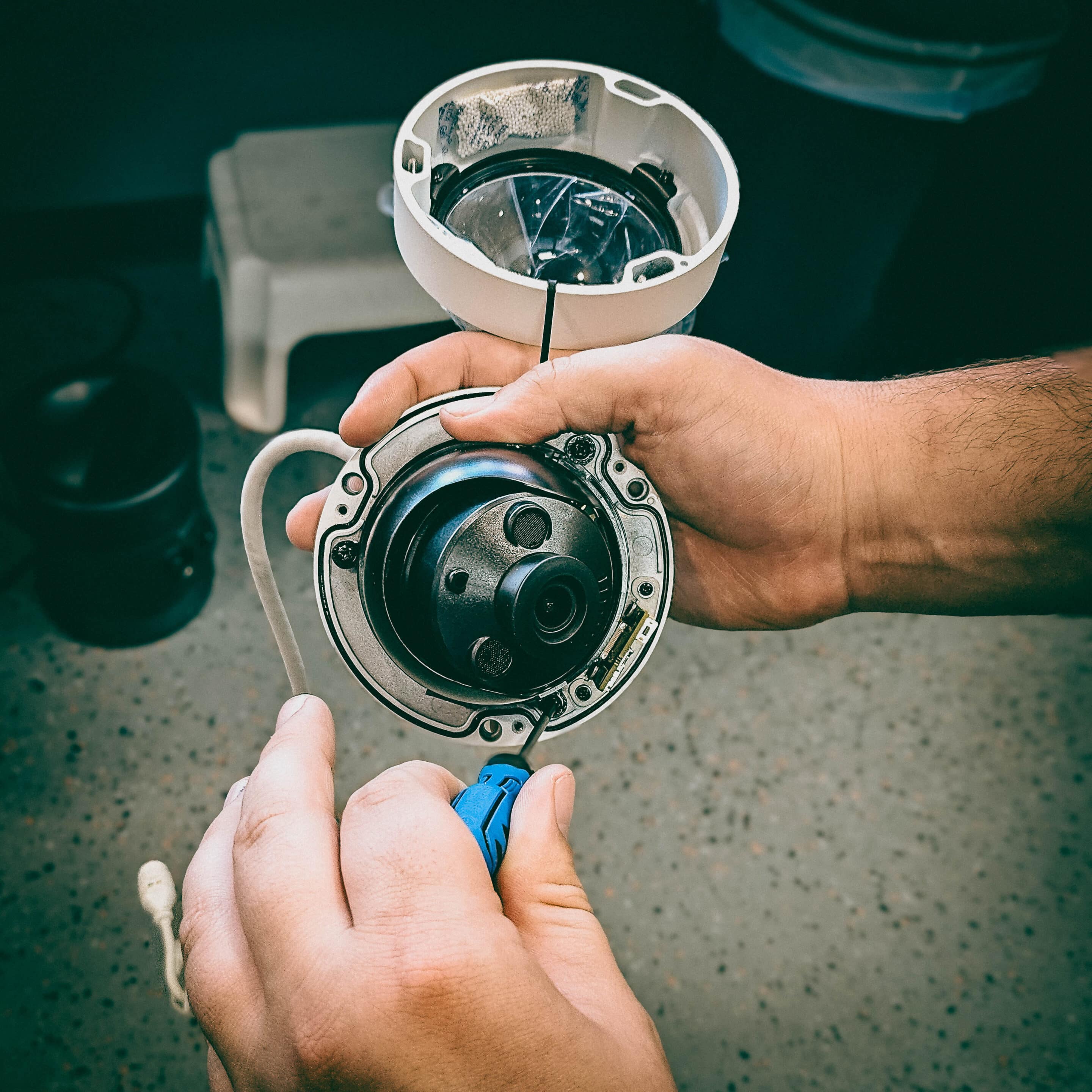
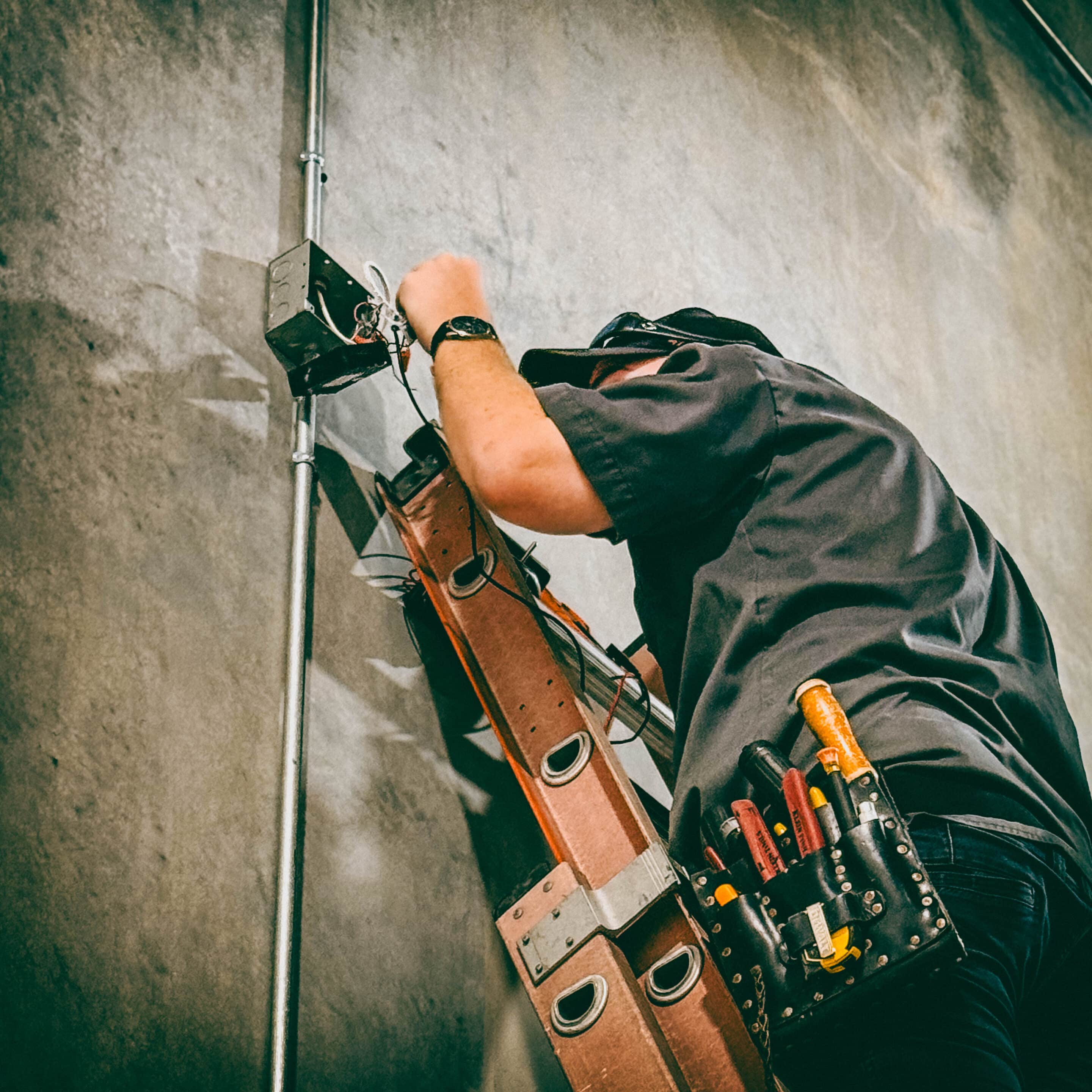
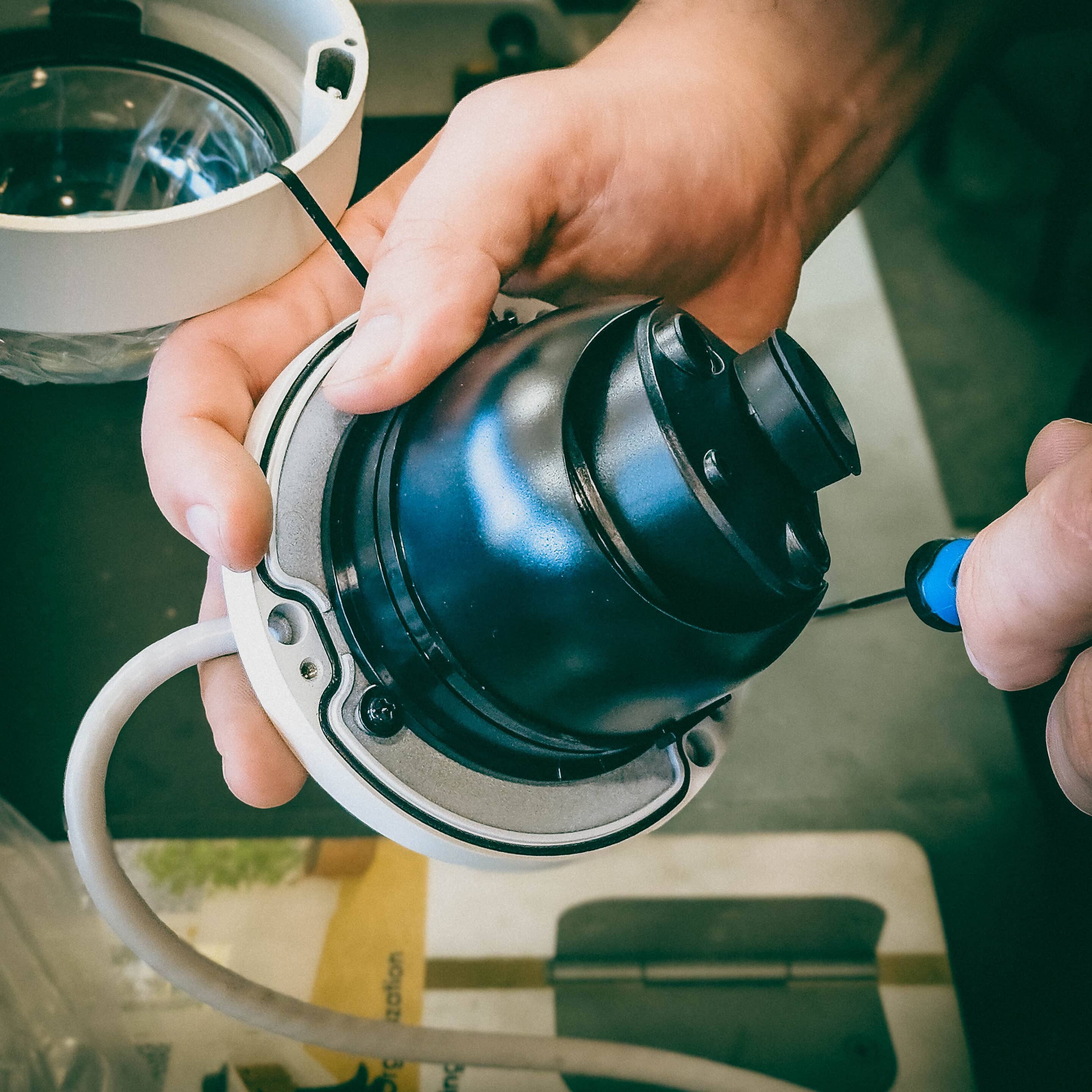
- Hardware repair and component replacement: cameras, mounts, housings, power supplies, PoE switches, NVR/DVRs, and storage.
- Cloud integration and migration: install, configure, and service cloud-managed cameras and bridges as well as cloud backup for onsite recorders.
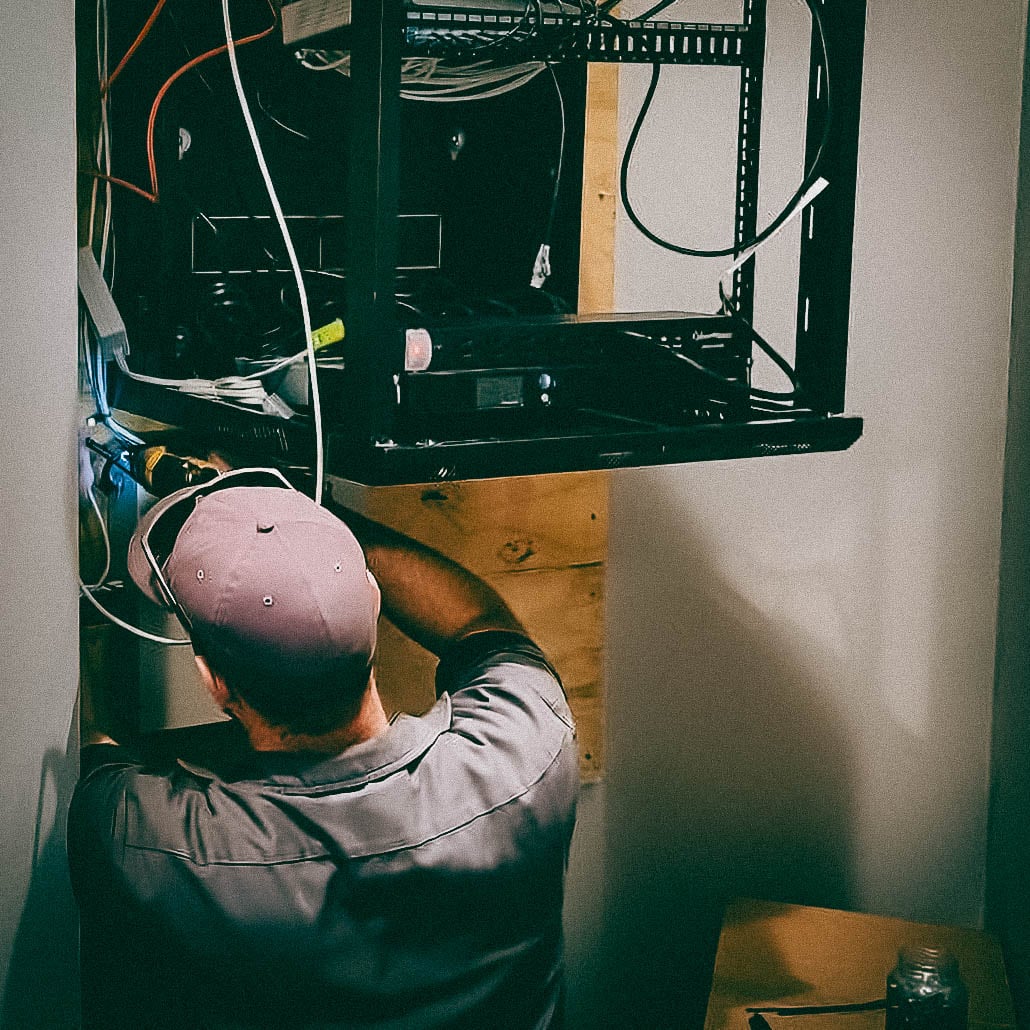
- Preventive maintenance, firmware updates, and system health checks for ongoing reliability.
- iDocumentation & workflow support for facility and security managers.
Surveillance Options Offered By Guardian Safe & Lock
We sell, install, and service systems built on Alibi cameras, Eagle Eye Networks cloud solutions and camera hardware, and Hikvision cameras — supporting standalone NVR/DVR setups and cloud storage/management where applicable. Our technicians are familiar with vendor activation procedures, firmware maintenance, and authorization requirements for each platform.
Common Symptoms & What They Typically Mean
When a camera system fails, early triage narrows the root cause quickly. These are field-proven symptom-to-cause mappings our technicians use:
-
No video / black screen — often caused by power loss, damaged PoE injector/switch, damaged wiring, or network interruption.
-
Intermittent connectivity/camera drops — usually network congestion, weak Wi-Fi (for wireless cameras), damaged wiring, or failing PoE switch ports.
-
Blurry or out-of-focus image — dirty lens, incorrect focus setting, or physical damage to the lens assembly.
-
Night-vision washed out or overexposed — IR reflection, incorrect IR intensity, situational lighting changes, or lens obstruction.
-
Recorded video missing or playback errors — hard-drive failure, corrupted recordings, misconfigured NVR/DVR recording schedules, or retention settings.
-
Live stream accessible but no recorded footage — event-triggering or motion settings misconfigured, or local recording disabled.
Manufacturers and technical support resources consistently identify these root causes as first steps in diagnostics.
Immediate Triage Steps You Can Perform Now
When an outage occurs, follow these non-destructive checks to speed repair and preserve evidence:
-
Confirm power — verify camera/NVR/DVR and PoE switch show normal power LEDs; if a camera has an independent adapter, check that adapter.
-
Check cabling and connectors — inspect visible cable runs and RJ45/BNC connectors for obvious damage or disconnection.
-
Test network connectivity — confirm NVR/DVR has an IP address and switch/router show port activity; reboot network gear if safe to do so.
-
Attempt a live view from another client — use the mobile app or web client to rule out local workstation issues.
-
Capture and keep evidence — photograph vandalism or damaged housings and preserve any removed hardware for forensic review.
If these steps don’t restore operation, contact Guardian Safe & Lock for rapid onsite diagnostics; attempting invasive repairs without documentation can void warranties or eliminate forensic options.

When To Replace Vs Repair Cameras
Repair is appropriate when the camera housing, lens, or internal electronics can be restored cost-effectively, and retention of the exact device is required for chain-of-custody.
Replacement is recommended when the device is physically damaged, firmware is obsolete or unsupported, the warranty has expired, and repair cost approaches replacement, or when improved image quality and video analytics are needed.
We evaluate each incident against business priorities — uptime, evidence preservation, and total cost of ownership — and provide a clear repair vs replacement recommendation and quote.
Cloud-Managed Vs Standalone (NVR/DVR) Considerations
Cloud-managed systems offer centralized access, automated off-site backup, and flexible retention policies that reduce the risk of losing footage when onsite recorders are damaged or hard drives fail.
Standalone NVR/DVR deployments remain practical for on-premises control, local retention, and low-latency recording. We support both approaches and can design a hybrid operation using cloud backup for critical sites and NVR-based recording where required.
For customers choosing cloud-first solutions, we deploy and manage bridges, cloud VMS credentials, and retention policies to align with internal compliance and evidence retention requirements.
Business Response Expectations
We structure our commercial services to meet facility needs:
-
Emergency response (high priority/vandalism, active incidents): Typical dispatch within 2–6 hours inside the central Houston metro area when staffing and travel conditions permit.
-
Standard repair/maintenance: next-business-day onsite windows for scheduled visits within our service area.
-
Preventive maintenance: recurring visits (quarterly, biannually) with a documented health-check report and firmware audit.
Specifics (response times, escalation path, replacement inventory, and after-hours coverage) are included in written proposals and available for multi-site video quotes and for property-management clients.
Surveillance Camera Installation & Service Area
Based in Tomball, we serve the Greater Houston area, including (but not limited to) the surrounding suburbs:
Tomball • Bryan • College Station • Conroe • Cypress • Humble • Katy • Kingwood • Magnolia • Pasadena • Porter • Spring • Sugar Land • The Woodlands • & more!
If you are outside these areas, we may still be able to service you: Call 832-534-8687 to confirm availability.
Typical Commercial Process (What We Deliver)
-
Assessment & triage: remote diagnostics followed by onsite confirmation.
-
Recommendation & quote: repair estimate or replacement options with lead times and evidence preservation steps.
-
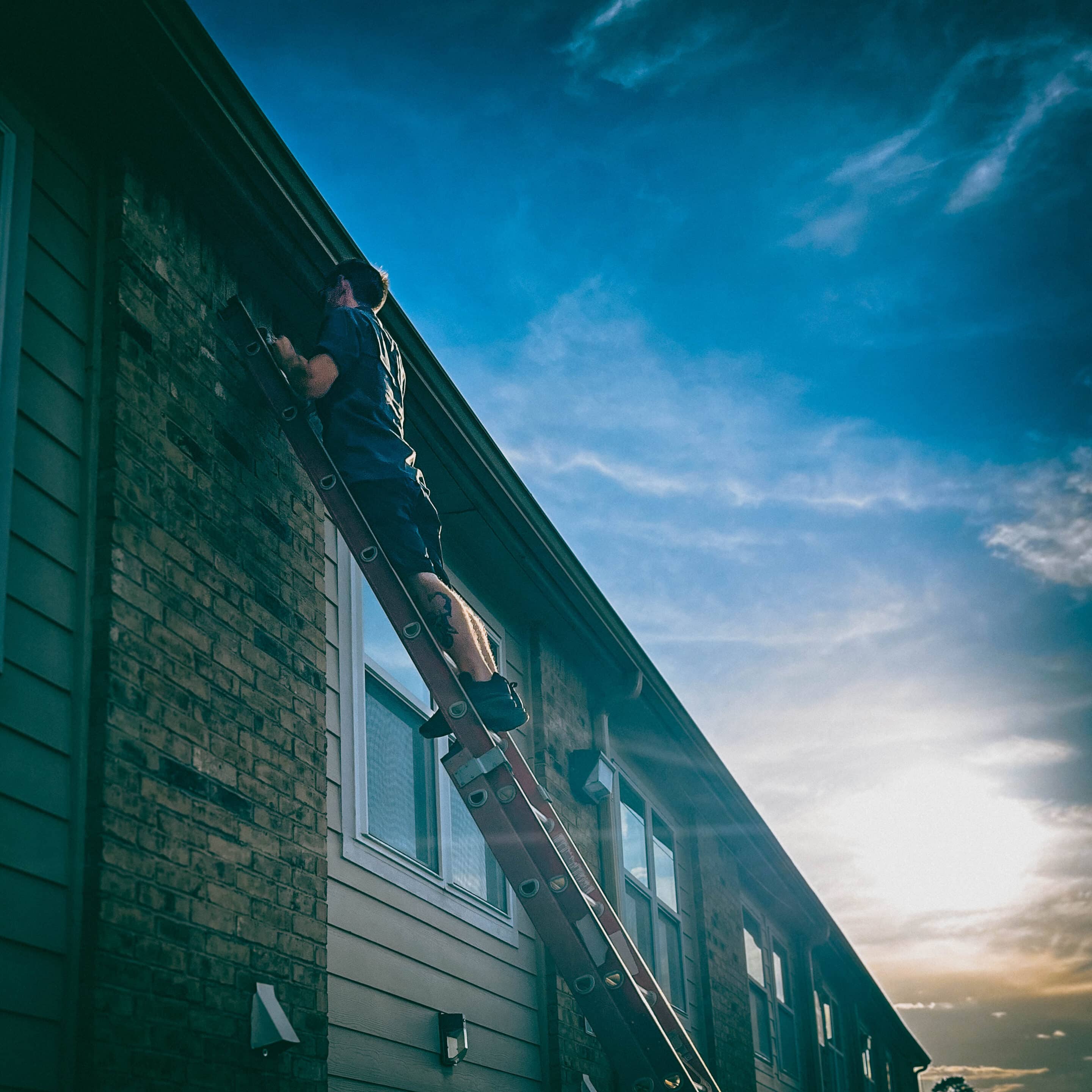
Execution: parts replacement, reconfiguration, or cloud provisioning. All changes are logged and delivered with an operator checklist.
-
Verification & handoff: post-repair testing, sample playback, and documentation delivered to your security/facilities team.
Pricing Guidance & Procurement
Costs depend on camera type (fixed dome, PTZ, vandal dome), resolution, and whether cloud activation or additional licensing is required.
Replacement cameras and labor are quoted per site; we offer business accounts for recurring maintenance and volume discounts for multi-site rollouts.
For precise pricing, submit a request with camera photos, model labels (if present), and site address.
Why is my camera showing “offline” or not appearing in the system?
At Guardian Safe & Lock, we see three primary causes: power loss (camera or PoE switch), network interruption (router, switch, VLAN, or Wi-Fi issues), or software/firmware problems preventing registration with the recorder or cloud service.
Begin by confirming power LEDs on the camera and switch, then check whether the NVR/DVR or cloud portal shows the device.
If the camera still reports offline after those checks, schedule a diagnostic appointment — intermittent network or failing PoE ports are common root causes.
My camera isn’t recording — how do I triage it quickly?
First, confirm whether live view works; if live view exists but recordings are missing, inspect the recorder’s storage (HDD health and free space), recording schedule, and event/motion settings.
If live view is absent, check cabling, power, and recorder connectivity. Preserve logs/screenshots and do not overwrite storage if evidence is needed.
If you’re a business customer, contact us immediately so we can perform a forensic-aware diagnosis.
Why is the image blurry or out of focus after installation?
Blurriness usually comes from lens focus, dirt/condensation on the lens, incorrect camera resolution or compression settings, or physical damage.
For varifocal domes, the focus may have shifted and requires readjustment on the mount. Gentle lens cleaning often resolves contaminants; if the lens or image sensor is damaged, replacement is recommended.
We perform on-site focus and image-quality calibration as part of our service.
My night vision is poor or washed-out — what causes that?
Night-vision issues commonly stem from IR reflection (light reflecting off nearby glass or surfaces), incorrect IR intensity, an obstructed or dirty dome, or an IR LED failure.
Environmental factors like new reflective signage or recent paint can suddenly cause overexposure at night.
We’ll inspect the camera angle, housing, and IR settings and test with live adjustments to restore usable night images.
Why do recordings disappear or playback show errors?
Missing recordings often indicate storage problems: failed or failing HDDs in NVR/DVRs, corrupted files due to improper shutdowns, or retention policies that overwrite footage sooner than expected.
Misconfigured recording schedules (continuous vs. event) and software bugs can also result in apparent losses.
If footage is potentially evidentiary, stop any automated overwriting and contact us for urgent recovery attempts.
Wireless cameras keep disconnecting — what should I check?
Wireless camera instability is most commonly network-related: frequency band mismatch (many cameras require 2.4 GHz), poor signal strength, channel interference, or weak router/switch performance.
If cameras are borderline on signal, relocate access points or use a wired PoE connection where possible for reliability.
Splitting 2.4 GHz and 5 GHz SSIDs or ensuring the camera is connected to the correct band often resolves repeat disconnects.
More Locksmith & Security Services We Offer
- Commercial Locksmith Services (Including commercial lock installation, commercial key duplication, master key systems, panic bars, door closers, & restricted keyways)
- Intercom Systems (Audio & Video)
- Access Control system installation (including automatic door openers, card access & mobile credentials, commercial buzz-in systems, commercial keypad locks, electric strikes, magnetic locks, and other forms of electronic door hardware.
- Audio & Video Intercom Systems (Audio & Video)
- Emergency locksmith services
- Residential locksmith services
- Car locksmith services (Including key programming)
- Houston Safes & Houston Gun Safes (including sales & services)
Next Steps — Get A Fast, Professional Quote
If you are experiencing a camera outage, vandalism, or degraded video quality, we can help you with your surveillance system.
Contact Guardian Safe & Lock’s commercial service team:
-
Call: 832-534-8687 (click to call on mobile)
- Text: 832-493-5888 (Tap to text, including images)
For rapid incidents in central Houston, our emergency dispatch will triage and propose next steps.
Guardian Safe & Lock combines manufacturer-supported service knowledge for Alibi, Eagle Eye Networks, and Hikvision equipment with Houston-area field experience to restore recording, evidence integrity, and reliable monitoring for commercial customers.
If you manage facilities, retail, or multi-site operations and require dependable camera replacement, repair, or troubleshooting, contact our commercial team for a prompt, documented response.